
My Passport Essential is a portable external hard drive from WD. It supports Windows and Mac OS and has a maximum capacity of 2TB.
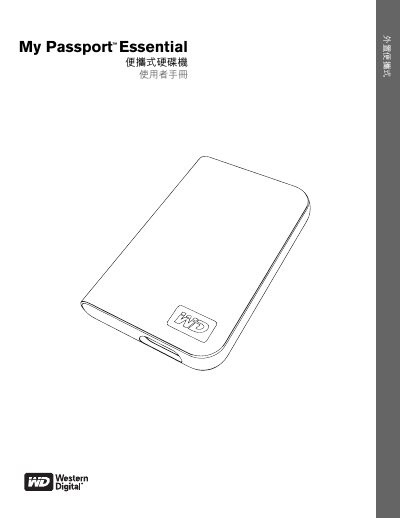
The My Passport Essential is a portable USB hard drive pre-formatted as FAT32 for compatibility with Windows and Mac. The package includes the drive, a USB cable, and a quick install guide. It supports Windows 2000/XP/Vista and Mac OS X 10.4.6 or later, and comes with WD Sync and Google software for Windows.
The drive features a USB 2.0 interface with a maximum transfer rate of 480 Mb/s and is backward compatible with USB 1.1. LED indicators on the bottom show power and activity. The manual provides steps for connecting and safely disconnecting the drive, reformatting options, troubleshooting common issues, and regulatory compliance information including FCC Class B, CSA, UL, and CE certifications. This manual is written in Chinese.
| Interface | USB 2.0 |
|---|---|
| Maximum data transfer rate | 480 Mb/s |
| Backward compatibility | USB 1.1 |
| Pre-formatted file system | FAT32 |
| Maximum file size on FAT32 | 4 GB |
| LED indicators | Power and Activity LED on bottom |
| Supported operating systems | Windows 2000/XP/Vista, Mac OS X 10.4.6 or later |
Ensure the drive is plugged in; a special cable may be needed for bus-powered computers.
If your system has a USB 2.0 PCI card, ensure its drivers are correctly installed.
The computer may attempt to boot from the WD portable USB hard drive; disable this in BIOS settings.
Hi-Speed USB is another name for USB 2.0, providing up to 40 times the transfer speed of USB 1.1.