
This manual describes the features, functions, and operating instructions for the My Passport for Mac portable hard drive.
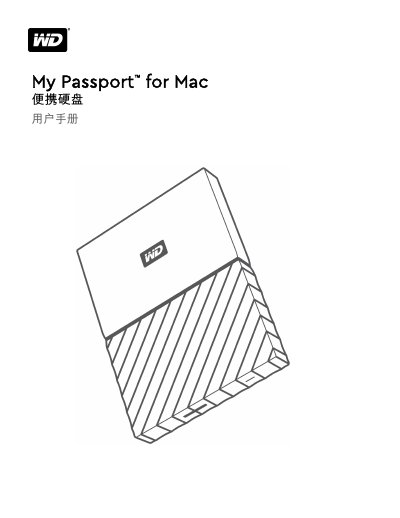
This manual provides instructions for using the My Passport for Mac external hard drive with macOS systems. It covers compatibility with various macOS versions, USB 3.0 connectivity, and features like WD Security and WD Drive Utilities. The guide also explains how to use the drive with Finder and includes troubleshooting and support resources.
The document includes technical specifications, LED indicators, and information on software tools such as WD Discovery and WD Security. It is designed for Mac users and includes compatibility details for Windows systems as well.
| USB Interface | USB 3.0 |
|---|---|
| Compatible macOS Versions | Mavericks, Yosemite, El Capitan, Sierra |
| Data Transfer Speed | Up to 5 Gb/s |
Compatible with Mavericks, Yosemite, El Capitan, and Sierra.
Up to 5 Gb/s with USB 3.0.
Includes WD Discovery, WD Security, and WD Drive Utilities.