
The Western Digital My Passport for Mac and My Passport SE for Mac user manual explains setup, backup, security, and troubleshooting for these portable…
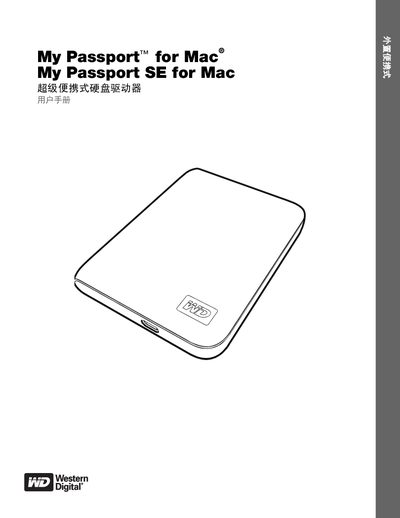
This manual provides step‑by‑step instructions for connecting the My Passport for Mac or My Passport SE for Mac to a computer, installing the WD SmartWare software, and using the built‑in backup features. It also covers drive registration, power‑LED indicators, and handling precautions to protect the portable storage device.
Additional sections describe how to lock and unlock the drive, manage passwords, erase data, and recover files. Compatibility information for macOS and Windows operating systems, as well as warranty and regulatory compliance details, are included.
| Interface | USB 2.0 |
|---|---|
| Pre‑formatted file system | HFS+J (Mac) / optional reformat for Windows |
| Hardware encryption | 256‑bit |
| LED indicator | Power/Activity LED |
Yes, the manual provides a procedure for unlocking the drive without using WD SmartWare software.
Avoid dropping or shaking the drive and do not move it while it is in use to prevent damage.