
Western Digital My Passport for Mac Portable Hard Drive User Manual

This is a mobile hard drive that supports Mac system.
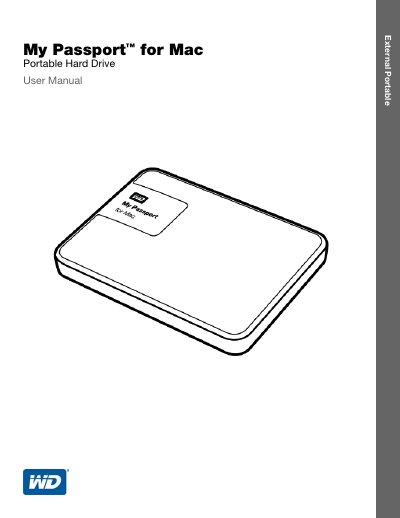

Western Digital My Passport for Mac Portable Hard Drive User Manual - cover page
Brand
Western Digital
Category
Storage devices
Document type
User Manual
Language
English
Pages
36
File format
PDF
File size
653 KB
Published
17 October, 2023
Updated
17 October, 2023
MD5 checksum
1E2E0882786AEDE2E11DABAEA1497C47

About this manual

This manual covers the features and kit contents of the My Passport for Mac portable hard drive, which features ultra-fast USB 3.0 connectivity and hardware encryption. It details operating system compatibility with Mac OS X and Windows, as well as physical descriptions of the drive interface and LED indicators.

What's inside

  • About Your WD Drive
  • Connecting the Drive and Getting Started
  • Locking and Unlocking the Drive
  • Managing and Customizing the Drive
  • Troubleshooting
  • Compliance and Warranty Information

Specifications

InterfaceUSB 3.0
Data Transfer Rate (USB 3.0)Up to 5 Gb/s
Data Transfer Rate (USB 2.0)Up to 480 Mb/s
Power SourceUSB-powered
Default FormatHFS+

Frequently asked questions

Do I need a separate power supply for this drive?

No, the drive is USB-powered and does not require a separate power supply.

How can I protect my files from unauthorized use?

You can set password protection and hardware encryption using the WD Security software.

Download PDF (653 KB)

More Western Digital Manuals


View all Western Digital manuals →