
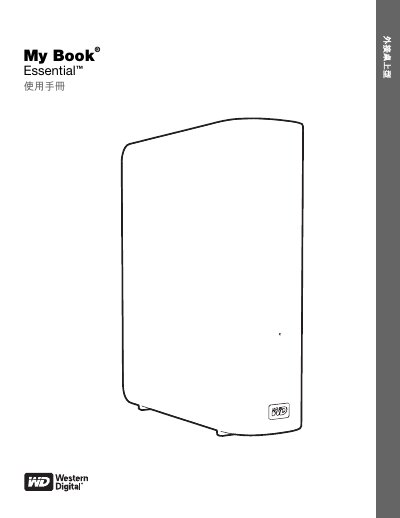
This manual provides instructions for using the WD My Book Essential external hard drive, including setup, backup with WD SmartWare, security features, and troubleshooting. It covers compatibility with Windows and Mac OS X, USB 3.0 connectivity, and power management. The guide also explains how to register the drive, manage settings, and perform maintenance tasks.
The drive features a sleek, book-like design for compact storage, automatic backup with WD SmartWare, 256-bit hardware encryption, and energy-saving technology. It is pre-formatted with NTFS and supports up to three WD drives with one SmartWare installation. The manual includes detailed steps for connecting, configuring, and using the drive with different operating systems. This manual is written in Chinese.
| Interface | USB 3.0 |
|---|---|
| Encryption | 256-bit hardware encryption |
| Power Management | WD GreenPower TechnologyTM reduces power consumption by up to 30% |
| Preformatted File System | NTFS |
| Compatibility | Windows XP, Vista, 7 and Mac OS X Leopard, Snow Leopard |
Visit http://register.wd.com to register your WD product for updates and special offers.
WD SmartWare is backup software that automatically backs up your files, allows you to restore deleted files, and lets you customize backup settings.
Yes, but you may need to reformat the drive to Mac-compatible format (e.g., HFS+ or APFS).