
User manual for WD My Passport Essential and Essential SE external hard drives with setup, backup, security and troubleshooting instructions.
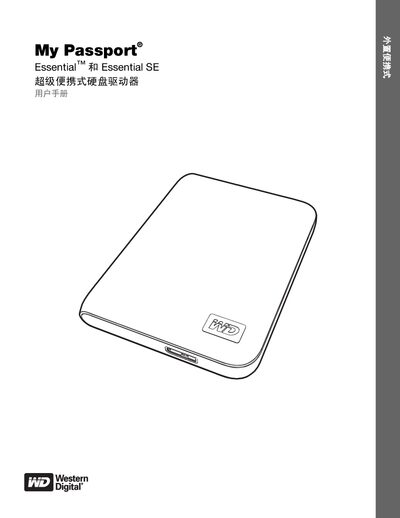
This manual provides step‑by‑step instructions for connecting and using the My Passport Essential and Essential SE portable hard drives. It covers registration, software installation, data backup, drive locking, and health monitoring.
The guide also details hardware specifications, operating‑system compatibility, handling precautions, and warranty information for both Windows and Mac environments.
| Interface | USB 3.0 |
|---|---|
| Maximum Data Transfer Rate | 5 Gb/s |
| Hardware Encryption | 256‑bit |
| Power‑saving Technology | WD GreenPower (up to 30 % lower power consumption) |
You can register the drive using the WD SmartWare software or by visiting register.wdc.com online.
The drives and WD SmartWare work with Windows XP, Windows Vista, Windows 7, and Mac OS X (Leopard, Snow Leopard).
Yes, the manual provides a procedure for unlocking the drive without the software, using the virtual CD method.
Connect the drive to a USB port using the supplied micro‑USB cable.