
User manual for the Wavecom WMOD2B dual-band GSM modem, covering product description, installation, interfaces, technical data, and troubleshooting.
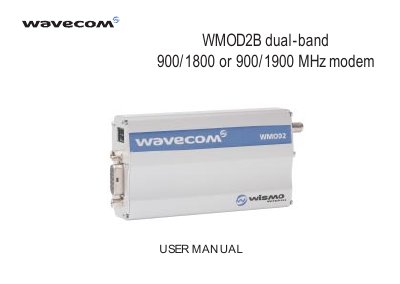
The Wavecom WMOD2B is a dual-band GSM modem available in EGSM 900/1800 MHz or EGSM 900/1900 MHz versions. It supports data and fax transmission, short messages, and voice calls through an RS232 serial interface.
This user manual provides product description, installation and start-up instructions, interface description, technical data, troubleshooting, safety notes, and general information for the WMOD2B modem.
| Dimensions | 98x54x25 mm (excluding connectors) |
|---|---|
| Weight | < 130 grams |
| Voltage range | 5 to 32V DC |
| Operating temperature | -20 °C to +55 °C |
| Storage temperature | -25 °C to +70 °C |
| GSM bands | EGSM 900/1800 MHz or EGSM 900/1900 MHz |
| Serial interface | RS232 V.24/V.28 |
The modem supports a voltage range of 5 to 32V DC.
Operating conditions range from -20 °C to +55 °C.
The modem uses an extractible holder for a Micro-SIM card.
The modem exists in EGSM 900/1800 MHz and EGSM 900/1900 MHz versions.