
This document introduces how to set up WAVECOM module's WAP access, including AT command setting, MODERN setting, dialing network setting and other content.
The guide walks you through the AT command configuration needed to prepare the Wavecom module, including signal quality checks (AT+CSQ) and setting the baud rate (AT+IPR=115200). It also shows how to adjust modem parameters such as a 19200 bps standard modem speed.
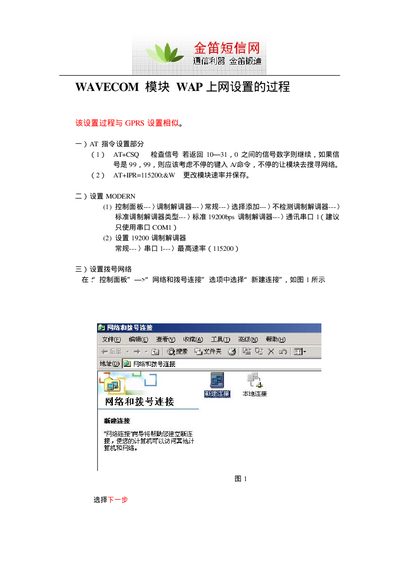
Next, the document details the Windows Network and Dial‑up Connections wizard steps to create a new WAP connection, set the connection name, username and password (wap.), and enable connection sharing so other computers can access the internet through the module. This manual is written in Chinese.
| Signal quality range | 0‑31 (99 indicates no signal) |
|---|---|
| Standard modem speed | 19200 bps |
Send the AT+CSQ command; if the response is a number between 0 and 31 the signal is OK, while a response of 99 means no signal and you should retry.