
Key facts
- Manuals
- 8
- Models
- 2
- Languages
- ES · EN · ZH
- Last added
- 2026-10-03
Wavecom models by category
Featured Wavecom manuals
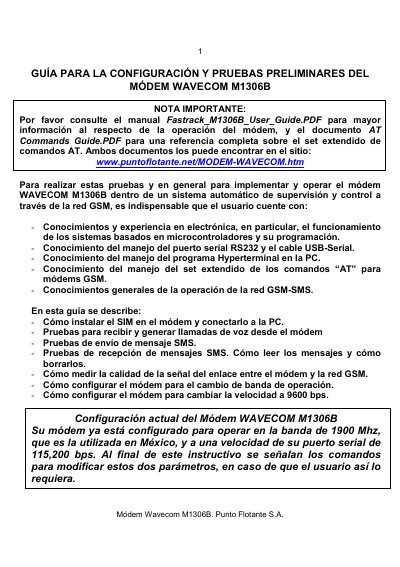
Wavecom M1306B Modem Configuration and Preliminary Tests Guide
This guide explains how to install the SIM card, connect the Wavecom M1306B modem to a PC via a DB15 serial cable, and set up HyperTerminal for communication. It also details the required AT commands for basic operation, including voice calls, SMS messaging, and signal‑strength measurement.
Additional sections cover how to change the operating GSM band and adjust the serial‑port baud rate, with command examples and expected responses. The document is intended for users with electronics or microcontroller experience who need to integrate the modem into an automated supervision system. This manual is written in Spanish.
Covers: Introduction · SIM Card Installation · Antenna Connection · Serial Cable Connection · HyperTerminal Setup · AT Command Basics
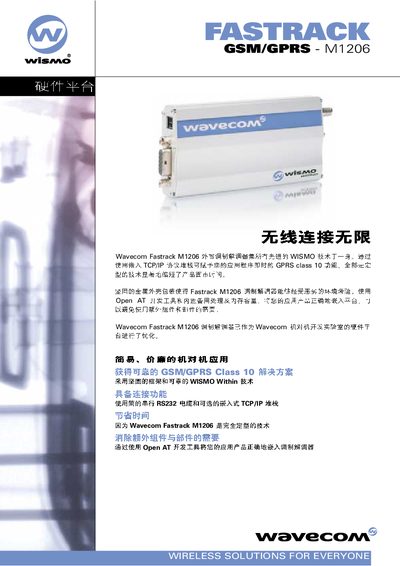
Wavecom M1206 Open AT Datasheet
The Wavecom M1206 Open AT is a GSM/GPRS Class 10 module that provides wireless connectivity via RS‑232 and TCP/IP. It complies with ETSI GSM Phase 2+ standards and supports EGSM 900/1800 MHz bands, GPRS Class 10, and a range of AT commands for data communication.
The module operates from a 5.5 V to 32 V supply, draws low current in standby, and measures 98 × 54 × 25 mm with a weight of 105 g. It includes RS‑232 serial ports, TCP/IP stack, and SIM support at 3 V/5 V, making it suitable for embedded wireless solutions.
Covers: Technical Specifications · Frequency Bands · Power Consumption · Physical Dimensions · Interfaces · Supported Protocols
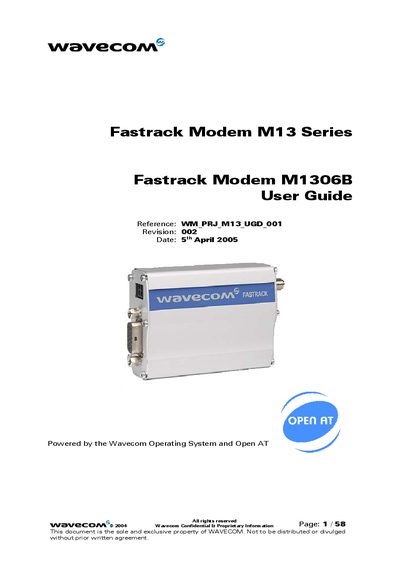
Wavecom Fastrack M1306B User Guide
The Fastrack M1306B is a rugged cellular modem that provides dual‑band GSM/GPRS connectivity for machine‑to‑machine applications. It runs on the Wavecom Operating System with Open AT and includes two general‑purpose I/O pins.
The guide details the modem’s hardware interfaces, power‑supply recommendations, basic AT commands, and troubleshooting steps, and lists recommended accessories such as antennas and power adapters.
Covers: General Presentation · Functional Description · Basic Services · Technical Characteristics · Installing and Using the Modem · User‑Level Troubleshooting
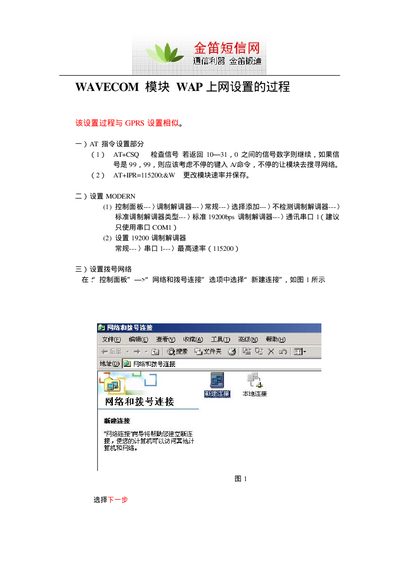
Wavecom WAP Network Setup User Manual
The guide walks you through the AT command configuration needed to prepare the Wavecom module, including signal quality checks (AT+CSQ) and setting the baud rate (AT+IPR=115200). It also shows how to adjust modem parameters such as a 19200 bps standard modem speed.
Next, the document details the Windows Network and Dial‑up Connections wizard steps to create a new WAP connection, set the connection name, username and password (wap.), and enable connection sharing so other computers can access the internet through the module. This manual is written in Chinese.
Covers: AT Command Settings · Modem Configuration · Dial‑up Network Setup · Connection Sharing · Finalizing Connection
Latest Wavecom manuals
Wavecom M1306B Modem Configuration and Preliminary Tests Guide
User Manual 17 pages · 585 KB · ESGuide for installing the SIM, connecting the modem, and performing voice, SMS, and signal‑strength tests on the Wavecom M1306B.
Wavecom M1206 Open AT Datasheet
Datasheet 2 pages · 203 KB · ENTechnical specifications for the Wavecom M1206 Open AT GSM/GPRS module, including frequency bands, power consumption, dimensions and supported interfaces.
Wavecom Fastrack M1306B User Guide
User Manual 58 pages · 1.2 MB · ENUser guide for the Wavecom Fastrack M1306B cellular modem covering installation, operation, and troubleshooting.
Wavecom WAP Network Setup User Manual
User Manual 5 pages · 907 KB · ZHThis manual explains how to configure a Wavecom module for WAP network access using AT commands and Windows connection settings.
Wavecom GSM Modem Installation Guide
Installation Guide 14 pages · 499 KB · ZHThis manual provides step‑by‑step installation instructions, hardware setup, AT command reference and key specifications for the Wavecom GSM Modem.
Wavecom GSM MODEM Installation Guide
Installation Guide 14 pages · 560 KB · ZHThis guide provides installation instructions, hardware specifications, and AT command reference for the Wavecom GSM MODEM.
Wavecom M1206B Dual-Band GSM External Modem Manual
User Manual 3 pages · 37 KB · ZHThe manual provides specifications, features, and operation instructions for the Wavecom M1206B dual‑band GSM external modem.
Wavecom M1206 GSM Modem User Installation Guide
User Manual 14 pages · 591 KB · ZHThe Wavecom M1206 GSM Modem User Installation Guide provides setup steps, AT command reference, and technical specifications.
Which document do I need?
User Manual
Day-to-day operation, settings and troubleshooting. Start here if the product is already set up.
Datasheet
Ratings, dimensions and ordering codes, for selection and design work.
Installation Guide
Mounting, wiring and first power-up. Read it before the hardware goes in.
Questions answered in Wavecom manuals
How do I install the SIM card in the Wavecom M1306B?
Press the small yellow button, remove the black plastic container, place the SIM card inside, and re‑insert the container.
From: Wavecom M1306B Modem Configuration and Preliminary Tests Guide
How can I make a voice call with the modem?
Use `atdt<phone_number>` to dial and `ath` to hang up; the modem will indicate call status with the text “RING”.
From: Wavecom M1306B Modem Configuration and Preliminary Tests Guide
What frequency bands does the Wavecom M1206 support?
It supports EGSM 900 MHz and 1800 MHz bands.
What are the dimensions and weight of the module?
The module measures 98 × 54 × 25 mm and weighs 105 g.
What frequency bands does the Fastrack M1306B support?
It operates on dual‑band GSM at 900 MHz and 1800 MHz.
How many GPIO pins are available on the modem?
The modem provides two general‑purpose input/output pins.