
Wavecom GSM MODEM is a wireless IP modem with powerful functions, easy to use, portable, economical, mature security and excellent reliability.
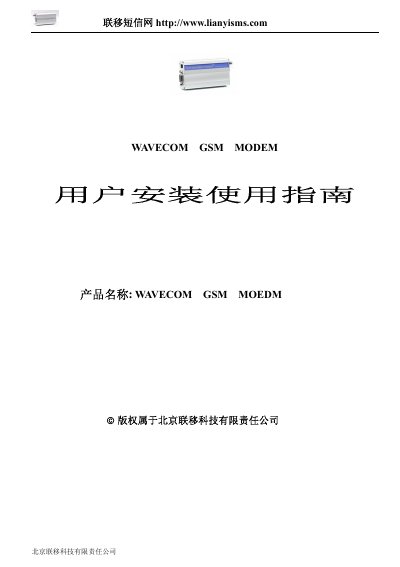
The Wavecom GSM Modem is a compact, high‑performance cellular communication device that supports GSM/GPRS data and voice services. It offers features such as full‑duplex data rates, AT command control, and a range of power options suitable for desktop or portable use.
The guide covers hardware connections (RS‑232 interface, antenna and power), SIM card handling, configuration of AT commands, and detailed specifications including data rate, RF output power, voltage requirements, and environmental limits. It also includes command tables for phonebook, SMS, and call management. This manual is written in Chinese.
| Data rate | 11SKbps full‑duplex |
|---|---|
| RF output power | 2 W |
| Supply voltage | 24 V |
| Class 4 power | 2 W @ 900 MHz |
| Standby current | 5 mA (standby), 140 mA @ GSM900 MHz 12 V |
| Operating temperature | -20 °C to +55 °C |
| Storage temperature | -25 °C to +70 °C |
| Dimensions | 98 × 54 × 25 mm |
The modem uses a 15‑pin RS‑232 cable (9‑pin + 4‑pin) for serial communication.
Use the AT+CPBR command to retrieve phonebook records.
It operates on EGSM900/1800 MHz or EGSM900/1900 MHz bands.