
金笛短信网 Wavecom GSM MODEM User Installation and User Guide, introduces the Wavecom GSM MODEM wireless IP modem's features, installation manual and AT command set.
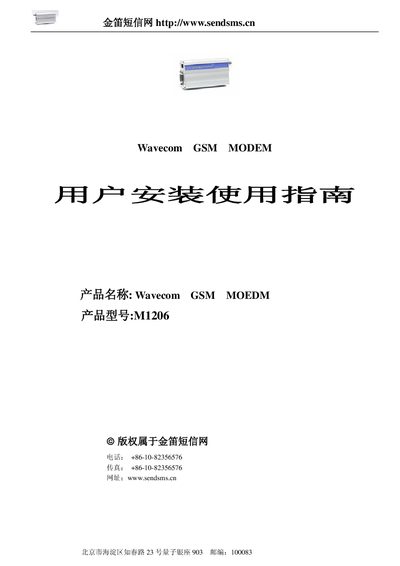
This guide introduces the Wavecom M1206 GSM Modem, describing its main features such as dual‑band operation, 115 Kbps full‑duplex data rate, and 2 W RF output. It outlines the hardware specifications, power requirements, and environmental limits.
The manual then walks through installation procedures, including connecting the RS‑232 interface, configuring the dial‑up network on Windows, and using the AT command set for functions like signal quality, SMS handling, and call control. Detailed AT command tables are provided for developers and technicians. This manual is written in Chinese.
| Frequency Bands | EGSM900/1800 MHz or EGSM900/1900 MHz |
|---|---|
| Output Power | Class 4 2 W @ 900 MHz, Class 1 1 W @ 1800/1900 MHz |
| Input Voltage | 5 V – 32 V |
| Current Consumption (Standby) | 5 mA (standby), 140 mA (call @ 12 V, 900 MHz) |
| Operating Temperature | ‑20 °C to +55 °C (operation), ‑25 °C to +70 °C (storage) |
| Dimensions | 98 × 54 × 25 mm |
| Weight | 130 g |
Create a new network connection in Windows, select “Connect to the Internet”, choose manual setup, select “Use a dial‑up modem”, set the phone number to *99***1#, and finish the wizard.
Use the AT+CSQ command to query the module’s signal quality.
The modem accepts an input voltage between 5 V and 32 V.
Set the SMS service with AT+CSMS, choose the format with AT+CMGF, write the message using AT+CMGW, and send it with AT+CMGS.