
Wavecom GSM MODEM is a wireless IP modem with powerful features, easy to use, portable, and economical.
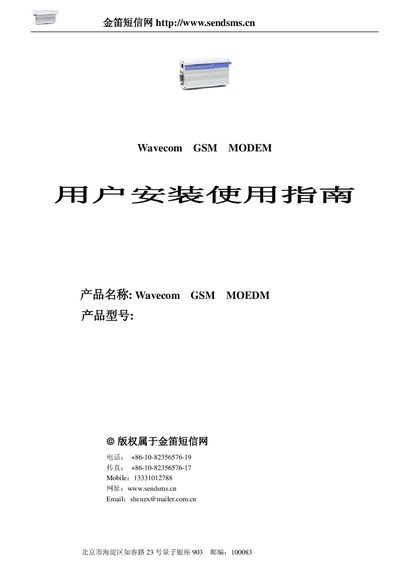
The document explains how to install and configure the Wavecom GSM MODEM, describing its compact size, portability, and the various applications it can support such as email, SMS, and GPRS data transfer. It also outlines the required PC environment (Windows 95/98/2000/XP/NT) and the need for TCP/IP, PPP or UDP protocols.
Hardware details such as power output, voltage range, dimensions, weight, and operating temperature are listed, followed by a comprehensive AT command reference covering SMS, call handling, USSD, and GPIO functions. The guide also includes wiring diagrams for the RS‑232 interface and SIM‑card handling. This manual is written in Chinese.
| Output Power | Class4 (2 W @ 900 MHz), Class1 (1 W @ 1800/1900 MHz) |
|---|---|
| Supply Voltage | 24 V |
| Standby Current | 5 mA |
| Operating Current (GSM 900 MHz @ 12 V) | 140 mA |
| Dimensions | 98 mm × 54 mm × 25 mm |
| Operating Temperature | -20 °C to +55 °C |
| Storage Temperature | -25 °C to +70 °C |
The modem supports standard AT commands for SMS, call handling, USSD, TCP/UDP, PPP, and GPIO control.
The modem works from –20 °C to +55 °C and can be stored from –25 °C to +70 °C.