
The Wangde WD-975+ wireless phone user manual explains features, installation, operation and troubleshooting.
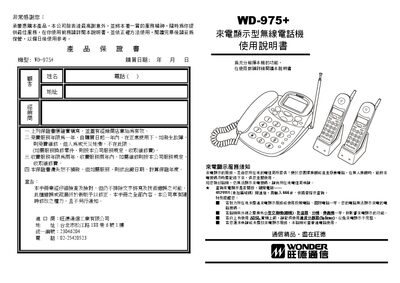
This manual provides detailed instructions for the WD-975+ wireless phone, including its call‑display functions, quick‑dial keys, and multi‑device operation. It also covers setup steps, battery charging, and how to configure settings such as local area code and alarm.
The document includes a parts list, physical layout diagrams, and a troubleshooting section that helps resolve common issues like no display, charging problems, or poor audio quality. This manual is written in Chinese.
| Supported sub‑units | 1–4 |
|---|---|
| Call log capacity | 90 incoming and outgoing numbers |
| Battery | 3.6 V / 280 mAh Ni‑MH |
| Charging time (first use) | ≥10 hours |
| Power supply (mother unit) | AC 110 V, DC 9 V / 200‑300 mA |
| LCD brightness levels | 7 levels |
Enter the desired number in standby, then hold the M1‑M4 key until a beep sounds; the number is stored and can be dialed by pressing that key.
Check that the power adapter is connected, the battery is properly inserted and charged, and that the handset is within the effective range of the base.