
The Wangde WD-760 is a multi‑function telephone with caller ID display; this manual covers installation, operation, LCD functions, memory features and…
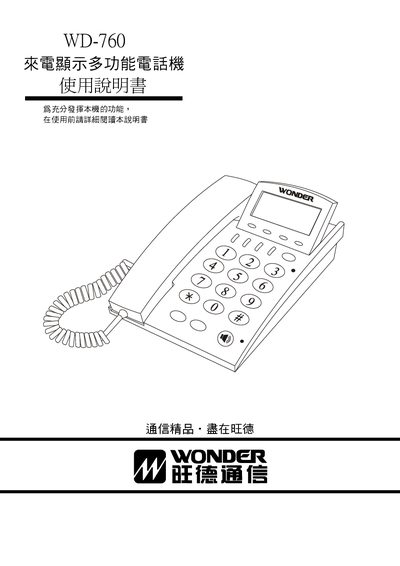
The WD-760 is a multi‑function telephone that shows incoming caller numbers, date and time on a large LCD with Chinese interface. It supports FSK/ETSI/DTMF signaling, low power consumption without an external transformer, and stores up to 150 incoming calls and 40 outgoing call records.
The manual provides step‑by‑step installation, battery insertion, line connection, LCD brightness adjustment, clock setting, memory storage, call handling, troubleshooting of common issues such as no ringing or no display, and warranty information. This manual is written in Chinese.
| Display | large LCD with Chinese interface |
|---|---|
| Compatibility | FSK/ETSI/DTMF automatic compatibility |
| Power | low power, no external transformer required |
| Memory capacity | stores 150 incoming numbers and 40 outgoing numbers with timestamps |
| VIP phonebook | 30 entries |
Open the bottom of the handset, remove the screws, take off the battery cover, and insert the battery with correct polarity.
Press and hold the up or down query key for about 3 seconds to switch between the five brightness levels.
Press the Save key, then press the number key (1‑0) for the desired slot, enter the phone number, and press Save again.
Verify that the ringer switch is set correctly and that the handset is properly placed.