
Key facts
- Manuals
- 7
- Categories
- 2
- Languages
- ZH
- Last added
- 2012-03-16
Featured 旺德通信 manuals
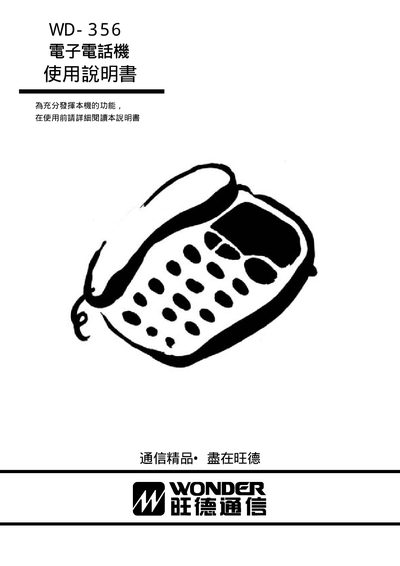
WD WD-356 Communication Device User Manual
This manual explains how to operate the WD-356 communication device, covering basic usage, function details, and configuration steps. It includes sections on pulse settings, ringer options, flash mode, hold and mute functions, as well as power and reset procedures.
The document also offers troubleshooting tips and safety information to help users maintain reliable performance. All instructions are presented in Chinese and are organized for quick reference by end‑users. This manual is written in Chinese.
Covers: Operation Instructions · Function Description · Settings Options · Pulse Configuration · Ringer Settings · Flash Settings
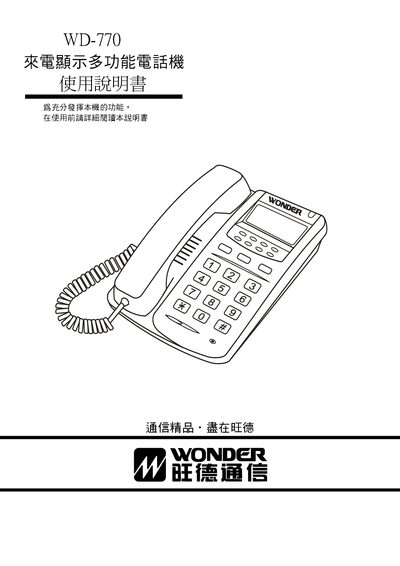
旺德 WD-770 Caller ID Display Multi-Function Telephone User Manual
The WD-770 is a multi‑function telephone with a large LCD that shows incoming numbers, date, and time. It supports FSK/ETSI/DTMF signaling, stores up to 150 incoming call records and 40 outgoing call records, and includes features such as clock display, adjustable ringtone and hands‑free volume, and built‑in lightning protection.
The manual provides detailed instructions for installing the handset, connecting the line, adjusting the LCD contrast, using the memory functions, and performing basic troubleshooting. It also includes a warranty card and guidelines for mounting the unit on a wall. This manual is written in Chinese.
Covers: 電話機各部名稱‧安裝方法 · 本機特點概述 · LCD說明 · 話機使用方法說明 · 來話顯示功能使用方法說明 · 簡易故障排除
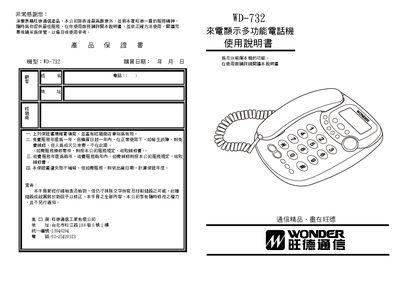
Wangde Communication WD-732 Multi-Function Caller ID Telephone User Manual
This manual provides a complete guide to the WD-732 caller ID telephone, covering product introduction, main functions, installation steps, and safety precautions. It also details how to use the wall‑mount kit and explains each button and display element.
The document includes instructions for caller ID display, call memory management, LCD brightness adjustment, clock setting, and troubleshooting common issues such as no sound, low ringer volume, and line noise. Users can also learn how to store and retrieve incoming and outgoing call records, lock numbers, and perform quick dialing. This manual is written in Chinese.
Covers: Introduction · Main Functions · Installation and Use Precautions · Wall‑Mount Usage · Other Function Usage · Fault Troubleshooting
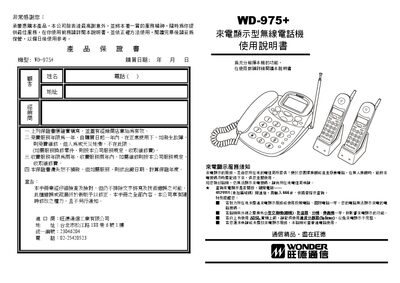
Wangde WD-975+ Wireless Phone User Manual
This manual provides detailed instructions for the WD-975+ wireless phone, including its call‑display functions, quick‑dial keys, and multi‑device operation. It also covers setup steps, battery charging, and how to configure settings such as local area code and alarm.
The document includes a parts list, physical layout diagrams, and a troubleshooting section that helps resolve common issues like no display, charging problems, or poor audio quality. This manual is written in Chinese.
Covers: Features and Specifications · Package Contents · Physical Appearance and Part Names · Installation and Usage Instructions · Troubleshooting and Maintenance
Latest 旺德通信 manuals
WD WD-356 Communication Device User Manual
User Manual 4 pages · 80 KB · ZHThe WD-356 communication device user manual provides operating instructions, function descriptions, and setup options in Chinese.
旺德 WD-770 Caller ID Display Multi-Function Telephone User Manual
User Manual 8 pages · 386 KB · ZHUser manual for the 旺德 WD-770 caller ID display multi‑function telephone, covering installation, operation, and troubleshooting.
Wangde Communication WD-732 Multi-Function Caller ID Telephone User Manual
User Manual 4 pages · 281 KB · ZHThe WD-732 multi‑function caller ID telephone manual explains features, installation, operation, and troubleshooting for the Wangde Communication device.
Wangde WD-975+ Wireless Phone User Manual
User Manual 6 pages · 393 KB · ZHThe Wangde WD-975+ wireless phone user manual explains features, installation, operation and troubleshooting.
Wangde WD-723 Multi-Function Caller ID Telephone User Manual
User Manual 4 pages · 262 KB · ZHUser manual for the Wangde WD-723 multi‑function telephone with caller ID, detailing features, installation, operation and troubleshooting.
Wangde Communication WD-735 Multi-Function Caller ID Telephone User Manual
User Manual 4 pages · 275 KB · ZHUser manual for the Wangde Communication WD-735 multi‑function telephone with caller ID, detailing features, installation, operation and troubleshooting.
Wangde Communication WD-970 Wireless Phone Caller ID User Manual
User Manual 8 pages · 362 KB · ZHUser manual for the Wangde Communication WD-970 wireless phone with caller ID, covering installation, operation, and troubleshooting.
Which document do I need?
User Manual
Day-to-day operation, settings and troubleshooting. Start here if the product is already set up.
Questions answered in 旺德通信 manuals
How many incoming call records can the WD‑770 store?
It can store up to 150 incoming call numbers with date and time.
From: 旺德 WD-770 Caller ID Display Multi-Function Telephone User Manual
How do I adjust the LCD contrast?
Press and hold the up or down query key for about 3 seconds to switch to contrast adjustment mode.
From: 旺德 WD-770 Caller ID Display Multi-Function Telephone User Manual
How do I adjust the LCD brightness?
Press the setting/save key, then use the up or down query keys to adjust the LCD brightness in 15 steps.
From: Wangde Communication WD-732 Multi-Function Caller ID Telephone User Manual
How many incoming call records can the phone store?
The phone can store up to 90 incoming call numbers together with their date and time.
From: Wangde Communication WD-732 Multi-Function Caller ID Telephone User Manual
How can I program a quick‑dial (M) key?
Enter the desired number in standby, then hold the M1‑M4 key until a beep sounds; the number is stored and can be dialed by pressing that key.
What should I do if the handset does not turn on?
Check that the power adapter is connected, the battery is properly inserted and charged, and that the handset is within the effective range of the base.