
The WD-732 multi‑function caller ID telephone manual explains features, installation, operation, and troubleshooting for the Wangde Communication device.
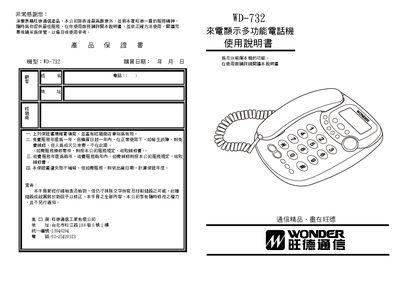
This manual provides a complete guide to the WD-732 caller ID telephone, covering product introduction, main functions, installation steps, and safety precautions. It also details how to use the wall‑mount kit and explains each button and display element.
The document includes instructions for caller ID display, call memory management, LCD brightness adjustment, clock setting, and troubleshooting common issues such as no sound, low ringer volume, and line noise. Users can also learn how to store and retrieve incoming and outgoing call records, lock numbers, and perform quick dialing. This manual is written in Chinese.
| Incoming call memory capacity | 90 numbers with date and time |
|---|---|
| Outgoing call memory capacity | 16 numbers |
| LCD brightness levels | 15 steps |
| Power supply | Low power, no external transformer required |
| Supported signaling | FSK and DTMF |
| Battery | 3 × 1.5 V batteries |
Press the setting/save key, then use the up or down query keys to adjust the LCD brightness in 15 steps.
The phone can store up to 90 incoming call numbers together with their date and time.
Navigate to the desired record, press the delete key twice to erase it, or hold the delete key for 3 seconds to clear all records.