
User manual for the Wangde WD-723 multi‑function telephone with caller ID, detailing features, installation, operation and troubleshooting.
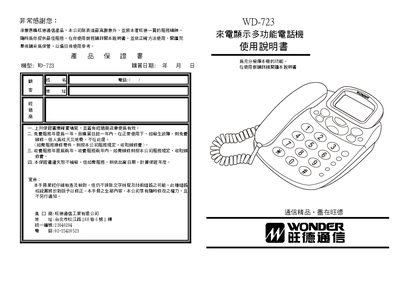
The Wangde WD-723 is a multi‑function telephone that displays incoming numbers, date and time, and stores call records. It offers a large LCD, adjustable brightness, clock display, and various keys for saving, recalling, and managing contacts.
The manual provides step‑by‑step instructions for installation, key functions such as saving numbers, adjusting volume and brightness, using the lock and pause features, and a troubleshooting guide for common issues like no sound or weak ringer. This manual is written in Chinese.
| Call record storage | 120 incoming numbers, 35 outgoing numbers, 20 VIP numbers, 10 other numbers |
|---|---|
| LCD brightness adjustment | 5 levels |
| Power source | 2 x 1.5 V batteries |
| Ringer and hands‑free volume control | Adjustable |
Hold the Down Query key for about 3 seconds, then use the Up or Down Query keys to set the brightness level.
Hold both the Up and Down Query keys for about 3 seconds, then adjust the digits with the Query keys.