
User manual for the Wangde Communication WD-970 wireless phone with caller ID, covering installation, operation, and troubleshooting.
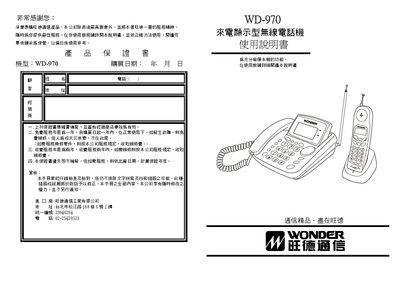
The WD-970 is a wireless telephone with caller ID (CID) that supports dual‑mode FSK/DTMF signaling across 10 channels. It is designed for office or home use and includes a base unit, handset, and charging dock.
This manual provides detailed instructions on hardware layout, installation, battery charging, daily operation, and fault diagnosis. It also outlines safety precautions and warranty information. This manual is written in Chinese.
| Operating frequency | 46/49 MHz |
|---|---|
| Number of channels | 10 |
| Power supply (base unit) | DC 9 V 200 mA |
| Charging voltage (charging dock) | DC 6 V 100 mA |
Place the handset on the charging base; the charging indicator light will turn on, indicating that charging has started.
Make sure the handset is within the effective distance, the battery is properly inserted and charged, and the base unit is connected to power.
Turn off the base unit, hold the intercom key, then turn the power back on. Wait about 30 seconds, turn the power off again, and repeat the power‑on sequence.