
Operation manual for the V2.0 gloss meter covering calibration, basic, statistical and continuous measurement modes, system settings and specifications.
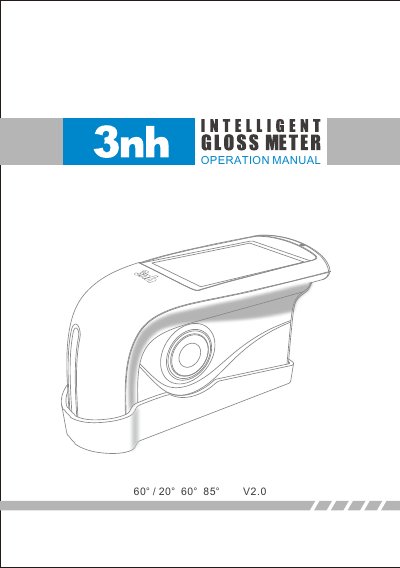
The V2.0 gloss meter operation manual describes a handheld gloss meter with 20°, 60° and 85° measurement angles that is stated to follow ISO 2813 and GB/T 9754, and ASTM D 5 23. The instrument has a 3.5 inch 480*320 touch screen, a built-in Li-ion battery, a USB interface for transferring data to a PC and an RS-232 interface for a printer.
The manual covers safety instructions and cautions, the external structure, turning the instrument on and off, calibration with the built-in calibration plate, the three measurement modes (Basic, Statistical and Continuous), angle selection, tolerance setting, data management, system functions such as auto save, time, language, backlight and buzzer, routine maintenance and technical specifications.
| Measurement angles | 20°, 60°, 85° |
|---|---|
| Display | 3.5 inch touch screen, 480*320 resolution |
| Standards | ISO 2813, ASTM D 5 23, GB/T 9754 |
| External power adapter | 5V 2 A |
| Battery | Built-in Li-ion battery |
| Continuous mode measurement count | Up to 99 |
| Interfaces | USB for data transfer to PC, RS-232 for printer |
Long-press the switch/measure button for 3 seconds to turn it on, and long-press it again for 3 seconds to turn it off.
Three modes: Basic Mode, Statistical Mode and Continuous Mode.
The external adapter specification is 5V 2 A; the USB cable can connect the adapter or a computer for charging.
Calibration is required when the operating environment changes, for example a rapid change of temperature, altitude or humidity.