
This document is the user manual for Thecus N4100PRO, which describes the features and characteristics of the product, including file server, FTP server, iTunes server, media server, backup server, and printer server functions.
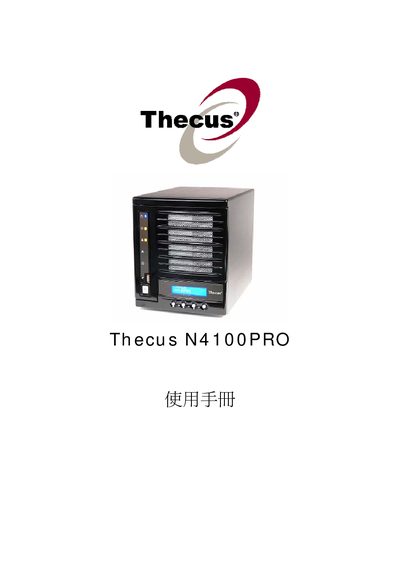
This manual covers the full range of system functions for the Thecus N4100PRO NAS, including system information, network configuration, storage management, and backup features. It guides users through setting up RAID arrays, iSCSI volumes, and shared services such as Samba, AFP, NFS, FTP, and media streaming.
Detailed sections describe user and group authentication, UPS settings, Nsync target configuration, and compatibility with Windows, macOS, and Linux clients. The document also includes troubleshooting tips and specifications for power, networking, and maximum storage capacity.
| Power Input | AC 100V~240V 50/60Hz 3A |
|---|---|
| Network Interface | Gigabit Ethernet |
Use the RAID Information section of the manual, which explains how to create, edit, expand, or delete RAID arrays.
Follow the Nsync configuration steps in the manual to designate the N4100PRO as an Nsync target.
The unit requires an AC input of 100 V to 240 V at 50/60 Hz with a maximum current of 3 A.