
This is a SATA QUICKPORT HOME user manual. It provides the features and usage instructions of the product.
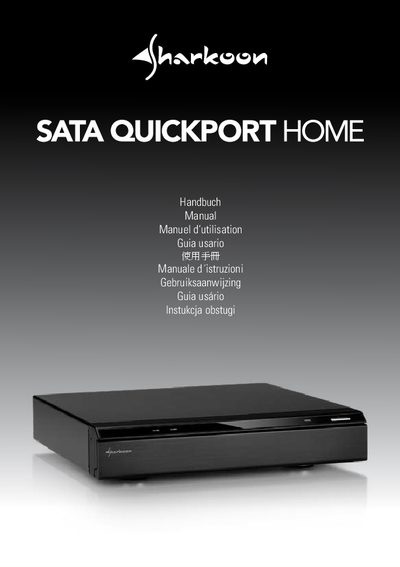
This manual describes the front panel of the SATA QUICKPORT HOME enclosure, including the closed and open lid configurations, power and data connectors (ISO USB‑2.0, front USB host, and eSATA), and the HDD bay bezels for 2.5" and 3.5" drives. Detailed steps show how to open the front lid, insert hard drives, secure the bays, and reconnect the lid.
Installation instructions cover connecting the power supply, attaching the supplied USB or eSATA cable to a compatible device (TV, DVD player, PC, etc.), and powering on the unit with the on/off button. Legal disclaimer and warranty information are provided at the end of the document.
| Power connector type | USB 2.0 (ISO) |
|---|---|
| Front data connector | USB host |
| Secondary data connector | eSATA |
Connect the power supply to the enclosure and a power outlet.
Open the device’s front lid.
Slide the HDD into the mounting bay with the label facing up and the connector pointing backwards, then lock the bay and close the front lid.