
The BW530 series network phone user manual provides safety instructions, setup steps, feature explanations, and technical specifications.
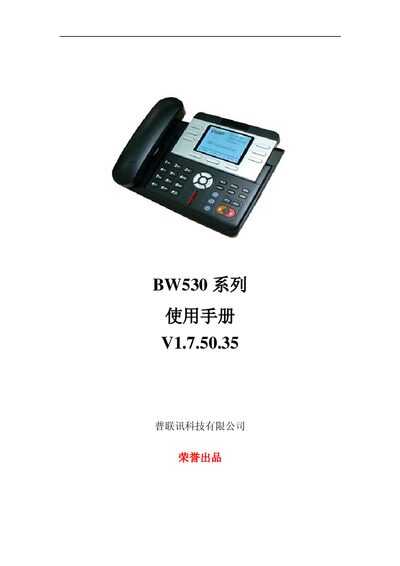
This manual introduces the BW530 SIP‑compatible network phone, its hardware layout, key functions, and safety precautions. It guides users through unpacking, connecting power and network, and configuring basic settings.
Detailed chapters cover phone operation (calling, call transfer, hold, etc.), web‑based configuration, advanced network features, and maintenance procedures, followed by a comprehensive specifications appendix. This manual is written in Chinese.
| Input Voltage | 100‑240 V |
|---|---|
| Output Voltage / Current | 5 V DC, 1 A |
| Power Consumption (idle) | 1.5 W |
| LCD Size | 57.54 mm × 79.2 mm |
| Operating Temperature | 0 °C – 40 °C |
| Dimensions (W×H×D) | 295 mm × 205 mm × 75 mm |
| Weight | 0.94 kg |
| Processor | 275 MHz MIPS |
| Memory | 16 MB SDRAM, 2 MB Flash |
Connect the DC plug of the transformer to the BW530’s 5 V DC input, then plug the transformer’s AC plug into a power outlet to power on the device.
Yes, the BW530 can function as a broadband router when its WAN port is connected to a modem and the LAN port to a computer or other device.