
Matrox DualHead2Go User Manual, Introduces how to connect monitors, install software, and solve common problems
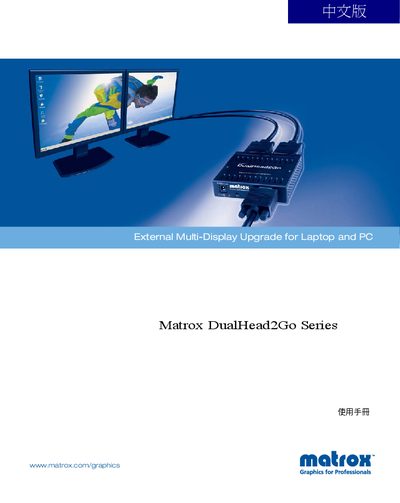
The DualHead2Go Series is an external multi‑display upgrade for laptops and PCs, allowing a single computer to drive two monitors. The manual covers installation, configuration, and operation of the device on Windows systems.
It also describes the PowerDesk software, supported resolutions, connector types, and troubleshooting steps such as showing hidden icons in the PowerDesk interface.
| Maximum supported resolution | 1024 × 768 |
|---|---|
| Network interface | 2 GbE |
The manual lists Windows 2000 and Windows XP as supported operating systems.
Select the "Show hidden icons" option in the PowerDesk interface.