
Instructions for connecting a device to a TV via HDMI, Component, or AV interfaces, including troubleshooting for display issues and HDMI-CEC settings.
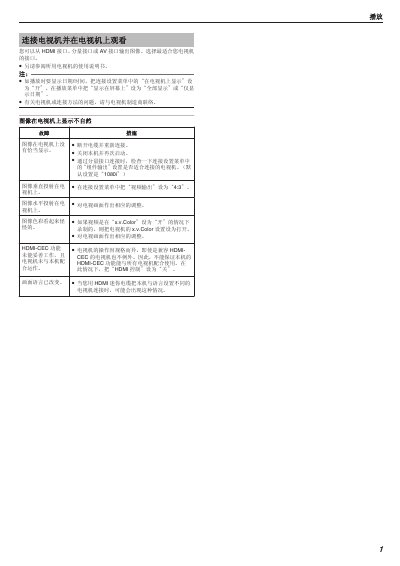
This document provides instructions on how to connect a device to a television using HDMI, Component, or AV interfaces. It advises users to consult their specific TV's manual for optimal interface selection and menu settings. The guide covers enabling date/time display on the TV screen and adjusting video output formats. This manual is written in Chinese.
You can output images from the HDMI, component, or AV interfaces.
The default setting for component output is 1080i.
Set the video output to 4:3 in the connection setup menu.