
A guide to setting up, unsubscribing from, and updating a TRIS mailing list subscription on the EU Commission website.
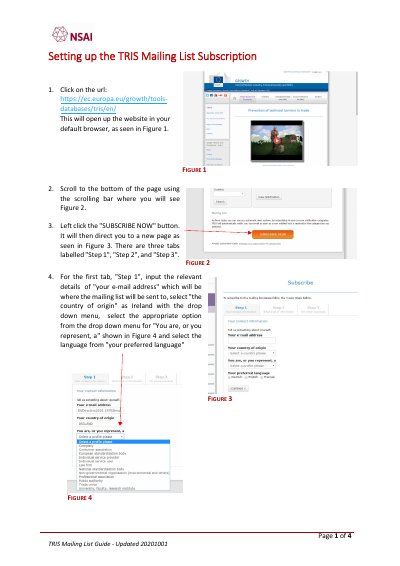
The TRIS Mailing List Guide explains how to subscribe to the TRIS mailing list through the EU Commission website. Users enter an email address, select a country and information categories, complete the subscription steps, and confirm by email.
The guide also covers unsubscribing and updating an existing subscription through the same website. For difficulties or questions, users can contact the EU Commission or [email protected].
Go to the EU Commission TRIS website, click SUBSCRIBE NOW, complete Steps 1 to 3, and authenticate the subscription by email.
Go to the same website, scroll down and select unsubscribe, then follow the steps and wait for an email confirmation.
Go to the website, select manage your subscription, enter your email and authenticate, update the tabs, and select update subscription.
Contact the EU Commission for difficulties, or email [email protected] with questions.