
Step-by-step guide to copy ASCII files from Trimble TSC2 to USB thumb drive for transfer to computer via Windows Explorer.
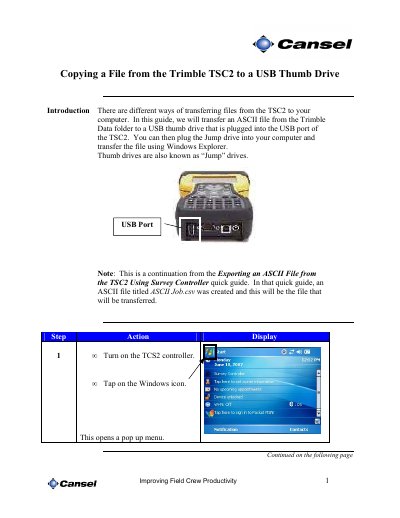
This guide explains how to copy ASCII files from the Trimble TSC2 controller to a USB thumb drive. The process involves navigating to the Trimble Data folder, selecting the file, copying it, and pasting it into a folder on the thumb drive. Once copied, the file can be transferred to a computer using Windows Explorer. The guide assumes prior knowledge of creating ASCII files using Survey Controller. This manual is written in Chinese.
To show how to transfer an ASCII file from the TSC2 to a USB thumb drive.
The file titled ASCII Job.csv.
A USB thumb drive, also known as a 'Jump' drive.