
This is a user guide that describes the features and characteristics of the AgGPS® 170 Field Computer.
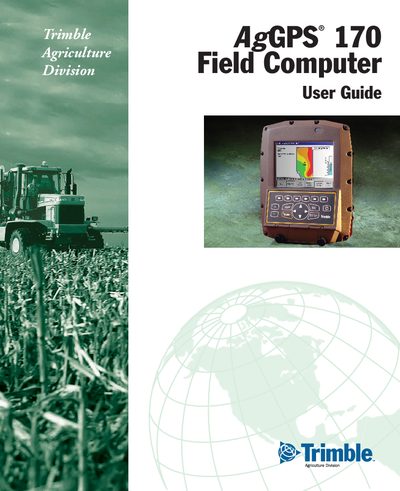
This guide covers the AgGPS 170 Field Computer, describing how to power on the device, use training mode, navigate menus, and operate the front‑panel controls such as softkeys, arrow keys, and the lightbar. Detailed sections explain dialog handling, input fields, and external keypad configuration, helping users perform field tasks efficiently.
The manual also includes Trimble's hardware and software warranty terms, legal notices, and contact information for technical support. Revision E (March 2001) reflects version 3.00 of the software and provides part number 38362‑00‑ENG for reference.