
Seiler Instrument support note explaining how to get the most out of the Trimble MT1000 MultiTrack 360° prism.
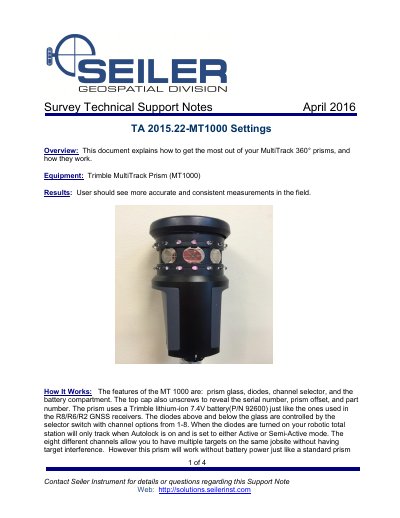
This support note explains how the Trimble MT1000 MultiTrack 360° prism works and how to get the most out of it in the field. It describes the prism glass, diodes, channel selector, battery compartment, and top cap details.
It also covers Active, Semi-Active, and Passive tracking modes, maintenance checks, and selecting the tracking mode in Trimble Access. Semi-Active tracking is recommended when more accurate vertical results are needed.
| Battery | Trimble lithium-ion 7.4V battery, P/N 92600 |
|---|---|
| Tracking channels | 1-8 |
Yes. It works without battery power like a standard prism when set to Passive mode.
Semi-Active tracking mode is recommended when higher vertical accuracy is required.
The diodes are controlled by the selector switch with channel options from 1 to 8.