
User guide for Titan Smart 3 Watch covering setup, app connection, profile creation, fitness tracking, BT calling, and device specs.
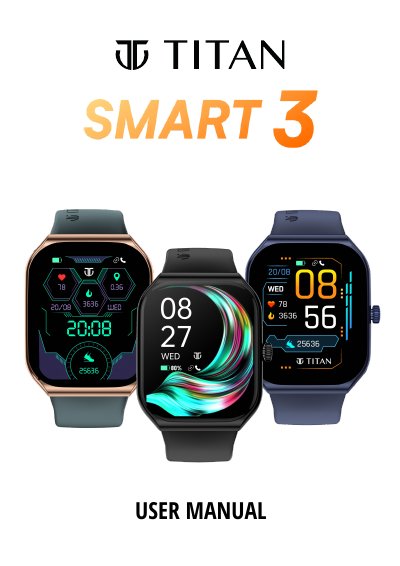
This manual guides users through unboxing, charging, and connecting the Titan Smart 3 Watch to a smartphone via the Titan Smart World App. It covers profile setup, dashboard navigation, notification access, and features like BT calling, fitness tracking, and sleep monitoring. The device includes a 1.96" AMOLED display, IP68 water resistance, and a 280 mAh battery. It supports Android 10+ and iOS 13+ and offers 100+ multisports modes. Warranty and care instructions are also included.
| Display Type | AMOLED Display |
|---|---|
| Water Resistance | IP68 |
Download the Titan Smart World App, scan your watch’s QR code, and accept the pairing request on your watch.
Yes, it is IP68 water-resistant, protected against immersion up to 1.5 meters for 30 minutes.