
Titan 3D Displays Quick Start Guide
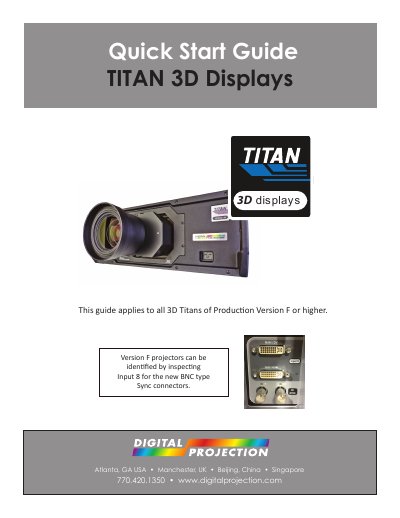
This document serves as a quick start guide for the Digital Projection TITAN 3D Displays (Production Version F or higher). It provides instructions on connecting components such as HDMI to DVI cables and Sync IR emitters. The guide details how to configure the projector's 3D menu settings, including selecting between Professional and Consumer modes.
| Applicable Versions | Production Version F or higher |
|---|---|
| HDMI Cable Max Length | 50ft |
Use the 'Sub' connector on Input 8 if your 3D content is provided by Consumer 3D sources.
Use the 'Main' connector on Input 8 if computers serve as your 3D sources with sequential video at high frame rates.
The projector's 3D Mode should be reset to the 'Off' position to turn off the 3D IR emitter.