
This user manual provides instructions for setting up, using alarms, charging devices via USB, and maintaining the Timex T129 Dual Alarm Clock.
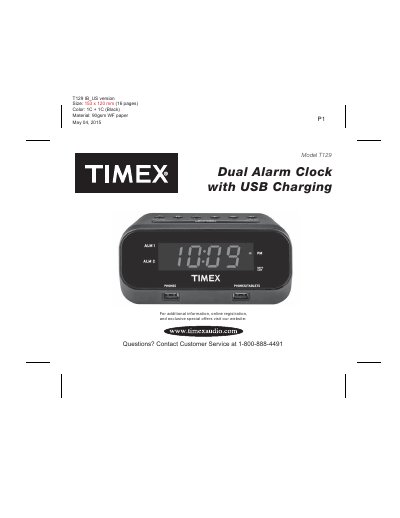
The Timex T129 is a dual alarm clock featuring USB charging ports for phones and tablets, a nap mode, and a dimmer function. It includes a backup battery system to maintain time and alarm settings during power failures. The device supports multiple time zones and daylight saving time adjustments.
| Product Dimensions | 153 x 120 mm |
|---|---|
| Backup Battery Type | DC 3V, AA x 2 |
| AC Adaptor Output | DC 5V, 3.5A |
| Phone USB Port Current | 1 Amp |
| Tablet USB Port Current | 2.1 Amp |
| Nap Mode Intervals | 5, 10, 15, 30, 45, 60, 90 minutes |
Press and hold the Snooze/Dimmer Button during normal operation to adjust the duration from 1 to 29 minutes.
Yes, connect the device to the 2.1 Amp Phone/Tablet USB Charging Port on the right front of the unit.
The clock will continue to run and maintain alarm settings using the backup batteries, but the display will turn off.