
This guide introduces the Timex M851 USB Datalink Wristwatch SDK and explains how to develop, build, and download custom WristApps.
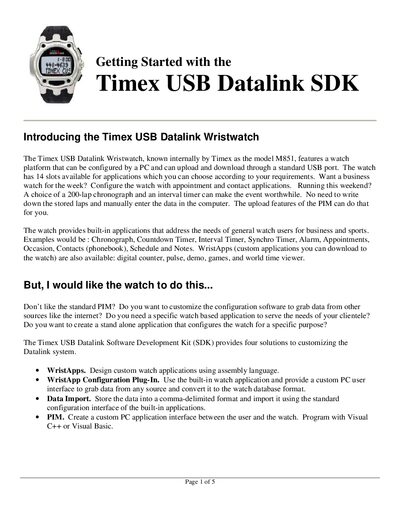
The Timex USB Datalink Wristwatch (model M851) can be configured via a PC and communicates through a standard USB port. It provides 14 application slots and supports custom WristApps written in assembly language. The SDK offers four solutions for customization, including WristApp development, configuration plug‑ins, data import, and PIM creation.
The document walks you through installing the SDK, examining the sample Counter WristApp source files, using the WristApp Builder to compile and create build scripts, and finally downloading the WristApp to the watch. It also lists additional reference guides for API usage, GUI plug‑ins, periodic tasks, and power‑consumption considerations.
| Application slots | 14 |
|---|---|
| Microcontroller | Epson EOC88349 |
| USB interface | Standard USB port |
It provides 14 slots for applications.
You need the Timex USB Datalink watch, a Windows PC with a USB port, a text editor, and assembly‑language experience.