
This Italian user manual for the TC Electronic D22 Digital Broadcast Delay explains operation, setup, and troubleshooting.
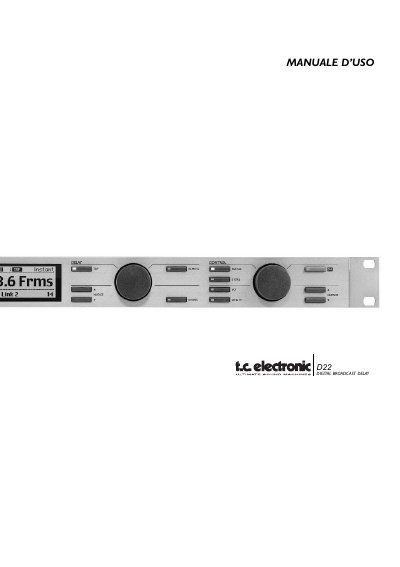
This manual provides instructions for the TC Electronic D22 Digital Broadcast Delay, a dedicated processor for audio-video synchronization. It details the front and rear panels, signal paths, and various setup options including recall, store, and I/O configurations. The device features a homogeneous delay update without clicks or pitch changes, 5200ms of delay per channel, and 24-bit A/D-D/A converters. This manual is written in Italian.
| Delay per channel | 5200ms |
|---|---|
| Converters | 24 bit |
| Digital I/O | AES/EBU, S/PDIF, Wordclock BNC 75ohm |
| Sample Rates | Internal 44.1, 48kHz, External 32, 44.1 e 48kHz |
Activate the unit by lightly pressing the POWER switch.
Press the POWER button for at least 3 seconds until 'D22' appears on the display.
It sets the Delay Time by tapping the tempo on this button.
It indicates the reception of Serial Remote data.