
This document is the user manual for ditto jam x2 looper, which introduces the features and characteristics of the product.
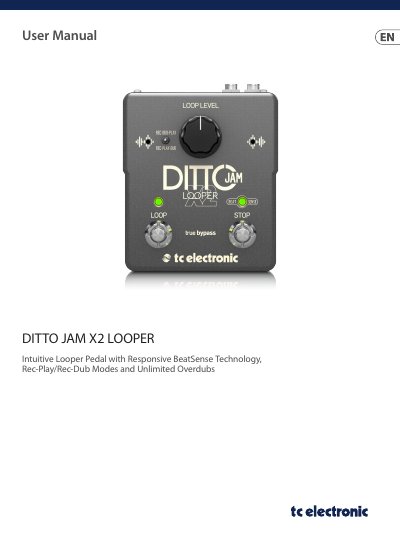
The TC Electronic Ditto Jam X2 Looper is an intuitive looper pedal with responsive BeatSense technology, rec-play/rec-dub modes, and unlimited overdubs. BeatSense adjusts loop playback tempo to stay in time with a drummer or percussionist.
The manual covers safety instructions, unpacking and setup, controls and connectors, hookup scenarios, operation modes, maintenance, firmware updates, battery replacement, and specifications.
| Power input | 9 V / > 150 mA center-negative power supply |
|---|---|
| Battery power | one or two 9 V batteries |
| Input connector | 1/4" TS cable |
| Output connector | 1/4" TS cable |
| Computer connection | USB cable for firmware updates |
It uses a 9 V / > 150 mA center-negative power supply, which is not included.
Yes, it can run using one or two 9 V batteries if no power supply is available.
BeatSense constantly adjusts the loop’s playback tempo to play in time with a drummer or percussionist.
Connect the pedal to a computer with a USB cable to perform firmware updates.