
Vortex Flanger is a flanger pedal with impressive flanger sounds, very intuitive controls and instant gratification.
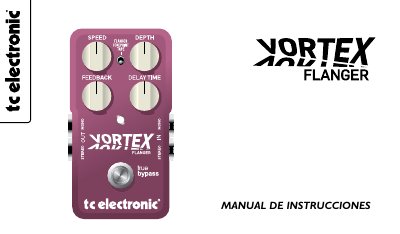
This is the Spanish-language instruction manual for the TC Electronic Vortex Flanger guitar pedal. It introduces the pedal and its TonePrint concept, then walks through the jack connections (mono/stereo input and output, 9 V DC power inlet and Mini B USB port), the Feedback, Speed, Depth and Delay Time knobs, and the three-position selector for standard Flange, Tape and TonePrint modes.
The manual also explains how to load artist TonePrints from a computer, how to switch between true bypass and buffered bypass and enable Kill-Dry using the internal switches under the rear panel, how to replace the battery, and closes with a list of technical specifications such as size, weight, connectors and the die-cast aluminum casing. This manual is written in Spanish.
| Dimensions | 72 x 122 x 50 mm |
|---|---|
| Weight | 300 g (excluding battery) |
| Input jack | 6.3 mm mono jack, also for stereo input |
| Output jack | 6.3 mm mono jack, also for stereo output |
| Power input | 9 V DC |
| USB connector | Mini B |
| Bypass | True bypass (default) or buffered bypass, selectable with an internal switch |
| Casing | Rugged die-cast aluminum |
Connect the pedal to a Mac or PC with the included USB cable, find your pedal on the TC Electronic website, download the TonePrint setting, then open the application and press UPDATE.
Remove the large screw on the rear panel and take the panel off, take out the used battery, fit the new one in the holder with the correct polarity and reinstall the rear panel.
True bypass is a physical bypass with no coloration of the sound when the pedal is off, while buffered bypass is recommended with long cables or many pedals in the chain. The upper internal switch selects between them.
Kill-Dry removes all direct signal from the pedal output and is intended for placing the pedal in a parallel effects loop; it is only available in buffered bypass mode.