
FINALIZER service manual, the main contents include introduction, quick troubleshooting, built-in test program, main board disassembly procedure, front section disassembly procedure, power supply module replacement, battery replacement, block diagram, circuit description, power-on sequence, test point values, LED error codes, jumper settings, software changes, technical specifications, cable specifications, etc.
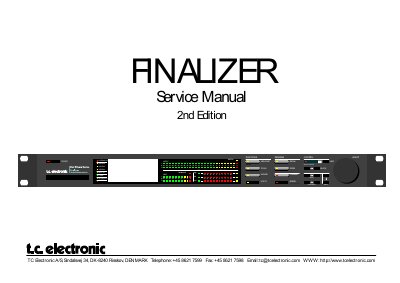
This service manual provides detailed instructions for technicians to repair the TC Electronic Finalizer. It includes quick troubleshooting tips, built-in test procedures, disassembly steps for main and front sections, and circuit descriptions. The manual also covers test point values, LED error codes, jumper settings, and technical specifications. Appendixes include schematics, part lists, and PCB layouts.
| Stock number | 605 0290 11 |
|---|---|
| Filename | FINSMAN2.DOC |
| Copyright | © Copyright 1997, TC Electronic A/S. All rights reserved. |
Press the BYPASS button while powering on. Use the cursor to select RUN TEST PROGRAM. Press OK and follow the instructions on the display.
Turn power off and on. Automatic re-initialization of the display is implemented in software ver. 1.08 or higher, meaning that frozen condition only takes place for about 5 seconds.
Refer to the section "exchange of battery" for detailed instructions.