
This document introduces the user manual of the Flashback Delay effect, including function features, operating methods, common problems, etc.
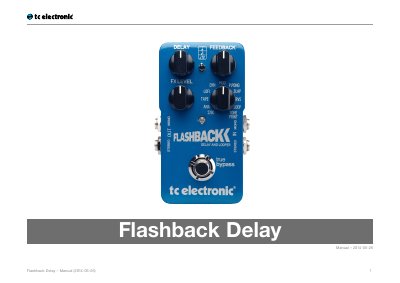
This manual guides users through setting up and operating the TC Electronic Flashback Delay pedal, including its True Bypass feature and TonePrint compatibility. It covers safety instructions, controls, delay types, looper functionality, and firmware updates. Technical specifications are provided for dimensions, inputs, outputs, and power requirements.
The pedal offers seven seconds of delay with multiple sound options, including a 2290 setting, and includes a 40-second looper for creative looping. It supports USB for TonePrint updates and has analog dry-through for pure, latency-free signal routing.
| Bypass mode | True Bypass (Buffered Bypass optional) |
|---|---|
| Signal circuitry | Analog dry-through |
| Dimensions | 72 x 122 x 50 mm – 2.8 x 4.8 x 2.0" |
| Input connector | 2 Standard ¼” jacks – mono/TS with automatic mono/stereo sensing |
| Output connector | 2 Standard ¼” jacks – mono/TS with automatic mono/stereo sensing |
| Power input | Standard 9 V DC, centre negative >100 mA (power supply not included) |
| Battery option | Standard 9 V (battery not included) |
| Input impedance | 1 MΩ |
| Output impedance | 100 Ω |
| USB port | Mini USB connector for uploading and editing custom TonePrints and for software updates |
True Bypass means the pedal is completely off when bypassed, resulting in zero influence on your tone and zero loss of high-end.
Use the TonePrint app to transfer TonePrints to your pedal.
Yes, you can switch the pedal from True Bypass to Buffered Bypass mode for certain situations.
The pedal features seven seconds of delay.