
The TC Electronic Shaker Vibrato is a pedal that can produce sounds ranging from sweet and subtle vibrato to Richter scale-registering shakes.
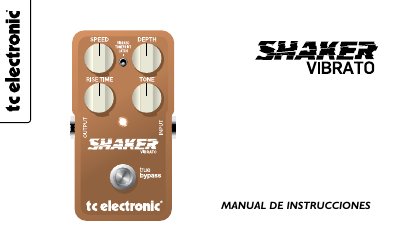
This is the Spanish-language user manual for the TC Electronic Shaker Vibrato, a vibrato guitar pedal. It opens with an introduction to the pedal and to TonePrint, a system that lets you download artist-created settings into the pedal over USB, and then lists the pedal's connections and controls: effect on/off (true bypass), 6.3 mm mono input and output, Rise Time, Speed, Depth and Tone knobs, a Vib/TonePrint/Latch selector, a 9 V DC input and a USB port.
The manual explains how to connect the pedal, what each knob does, and how the VIB, LATCH and TonePrint modes behave. It describes how to load a TonePrint from a Mac or PC using the included USB cable and the UPDATE button, how to switch between true bypass and buffered bypass with the internal switch under the back panel, how to replace the battery, and ends with a technical specifications list. This manual is written in Spanish.
| Dimensions | 72 mm x 122 mm x 50 mm |
|---|---|
| Weight | 300 g (excluding batteries) |
| Power input | 9 V DC |
| Input | 6.3 mm mono jack |
| Output | 6.3 mm mono jack |
| USB connector | Mini-B USB |
| Housing | Cast aluminum |
| Bypass | True bypass (default) or buffered bypass, selectable |
Connect the pedal to a Mac or PC with the included USB cable, find your pedal at www.tcelectronic.com/pedals, download the TonePrint setting, open the application and press UPDATE.
Remove the large screw on the back panel and move the upper of the two small switches in the top-left corner, next to the 9 V DC connection.
In LATCH mode the effect is only active while you hold down the BYPASS switch, and it turns off as soon as you release it.
Remove the large screw on the back panel and take the panel off, swap the battery in its clip with the correct polarity, then reinstall the back panel.