
Quick-start guide for StarTech USB32DVCAPRO USB 3.0 video capture device with DVI input, including setup, software, and hardware instructions.
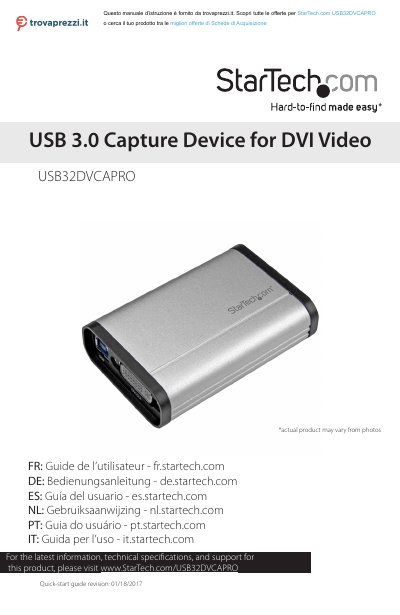
This guide helps you set up and use the StarTech USB32DVCAPRO USB 3.0 video capture device for DVI video. It covers packaging contents, system requirements, software and hardware installation, basic operation, and technical support. The device requires a compatible computer and DVI video source. Software installation is required before connecting the device. Basic operation includes launching StreamCatcher and configuring the video source. This manual is written in Chinese.
Requires a computer with CPU Intel® Core™ i3, 4 GB memory, 1024×768 DirectX® 9.0c compatible graphics card, and Windows® 10 (32/64), 8 / 8.1 (32/64bit), 7 (32/64bit), Vista (32/64), XP (32/64).
Download the software from www.StarTech.com/USB32DVAPRO, extract the .zip file, run the Setup (.exe) file, follow on-screen prompts, and restart your computer.
No, this device will not capture HDCP protected content. If your DVI source is HDCP protected, such as a retail Blu-ray Disc®, the video preview window will not be visible.