
This is the instruction manual for DK30CH2DPPD DK30CH2DPPDU USB-C Triple-4K Monitor Laptop Dock - Power Delivery
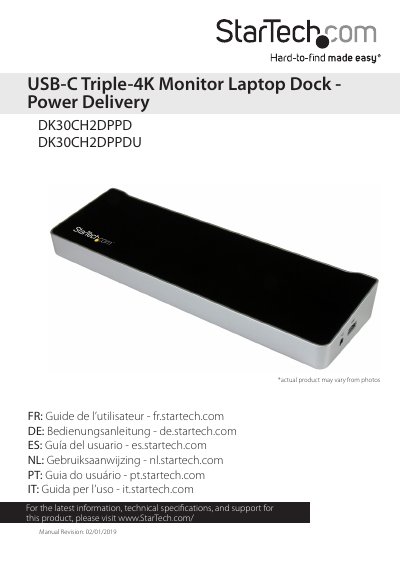
This instruction manual guides users through installing and configuring the StarTech DK30CH2DPPD USB-C Triple-4K Monitor Laptop Dock. It covers powering the dock, connecting devices, installing drivers, and setting up displays. The dock supports 4K resolution via HDMI and DisplayPort, and includes USB-C Power Delivery for charging laptops. It also includes technical support and warranty information.
The manual includes diagrams of the dock’s front, rear, and side views, lists included accessories, and details compatibility requirements including Windows and macOS operating systems and USB-C ports supporting DP alt mode and USB Power Delivery.
| Supported Video Resolutions | 3840x2160p @60Hz or 4096x2160p @60Hz |
|---|---|
| Operating Systems | Windows® 10, 8.1, 8, 7 or macOS 10.12, 10.11, 10.10 |
| USB-C Port Requirements | Must support DP alt mode and USB Power Delivery |
| Power Delivery | 20V DC input |
Windows® 10, 8.1, 8, 7 or macOS 10.12, 10.11, 10.10.
Yes, it supports 3840x2160p @60Hz or 4096x2160p @60Hz resolutions via HDMI and DisplayPort.
Yes, if the laptop’s USB-C port supports USB Power Delivery.
Three years.