
Key facts
- Manuals
- 6
- Languages
- EN
- Last added
- 2023-10-19
Featured StarTech manuals
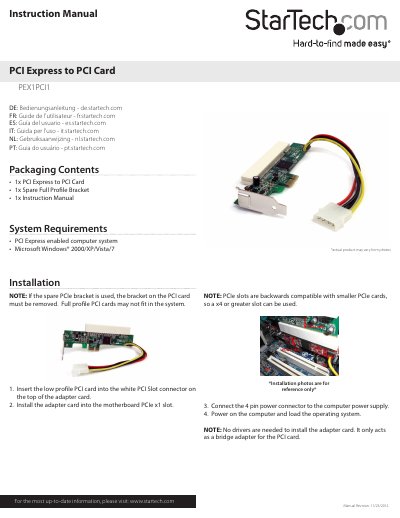
Startech PEX1PCI PCI Express to PCI Card User Manual
This document serves as the user manual for the Startech PEX1PCI PCI Express to PCI Card adapter. It details the installation process, including inserting the low profile PCI card into the adapter and installing the adapter into the motherboard's PCIe x1 slot. The guide also lists the packaging contents and notes that no drivers are required for operation.
Covers: Installation · Packaging Contents · System Requirements · FCC Compliance · Technical Support · Warranty Information
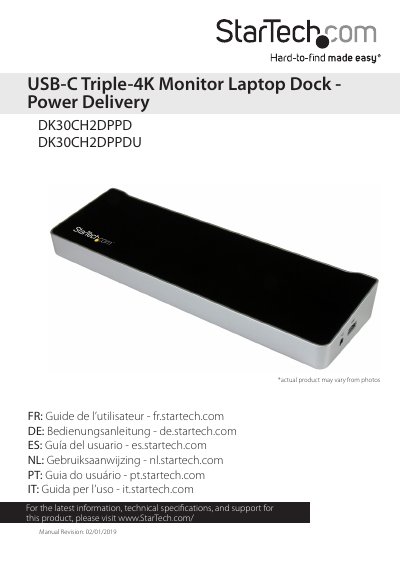
StarTech DK30CH2DPPD USB-C Triple-4K Monitor Laptop Dock - Power Delivery Instruction Manual
This instruction manual guides users through installing and configuring the StarTech DK30CH2DPPD USB-C Triple-4K Monitor Laptop Dock. It covers powering the dock, connecting devices, installing drivers, and setting up displays. The dock supports 4K resolution via HDMI and DisplayPort, and includes USB-C Power Delivery for charging laptops. It also includes technical support and warranty information.
The manual includes diagrams of the dock’s front, rear, and side views, lists included accessories, and details compatibility requirements including Windows and macOS operating systems and USB-C ports supporting DP alt mode and USB Power Delivery.
Covers: Introduction · Packaging contents · Requirements · Product diagram · Install the docking station · Power the docking station
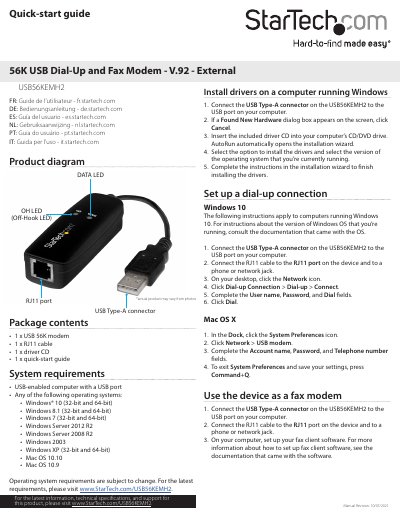
StarTech USB56KEMH2 USB 56K Modem Quick Start Guide
This quick-start guide provides instructions for the StarTech USB56KEMH2 USB 56K dial-up and fax modem. It details the package contents, including the modem, RJ11 cable, and driver CD, and lists the supported operating systems such as Windows 10, Windows 8.1, Windows 7, and Mac OS X. The document also includes a product diagram identifying the USB Type-A connector, RJ11 port, and LED indicators.
Covers: Package contents · System requirements · Product diagram · Install drivers · Set up a dial-up connection · Use the device as a fax modem
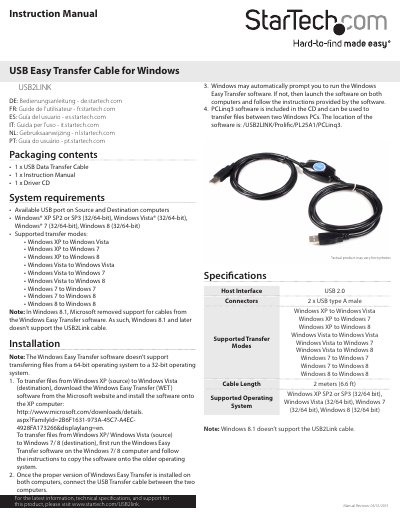
Startech USB2Link USB Easy Transfer Cable User Manual
The Startech USB2Link USB Easy Transfer Cable is designed to facilitate file transfers between two computers running different versions of the Windows operating system. The manual outlines the necessary system requirements, including specific Windows versions from XP to 8, and notes that Windows 8.1 and later are not supported due to changes in Microsoft's software. It also specifies that transfers from a 64-bit OS to a 32-bit OS are not supported by the Windows Easy Transfer software.
Covers: Packaging contents · System requirements · Supported transfer modes · Installation · FCC Compliance Statement · Use of Trademarks
Latest StarTech manuals
Startech PEX1PCI PCI Express to PCI Card User Manual
User Manual 2 pages · 464 KB · ENThis manual provides installation instructions and system requirements for the Startech PEX1PCI PCI Express to PCI Card adapter.
StarTech DK30CH2DPPD USB-C Triple-4K Monitor Laptop Dock - Power Delivery Instruction Manual
User Manual 10 pages · 523 KB · ENUser manual for StarTech's USB-C Triple-4K Monitor Laptop Dock, covering installation, power delivery, display configuration, and supported resolutions.
StarTech USB56KEMH2 USB 56K Modem Quick Start Guide
Quick Start Guide 2 pages · 246 KB · ENQuick start guide for the StarTech USB56KEMH2 USB 56K dial-up and fax modem, covering package contents, system requirements, driver installation, and…
Startech USB2Link USB Easy Transfer Cable User Manual
User Manual 2 pages · 210 KB · ENThis manual provides installation and usage instructions for the Startech USB2Link cable, detailing supported Windows operating system transfer modes and…
StarTech FCREADHCU3 USB 3.0 Card Reader User Manual
User Manual 2 pages · 271 KB · ENUser manual for StarTech's USB 3.0 card reader, covering installation, compatibility, and specifications.
StarTech USB2DVI USB 2.0 to DVI Video Adapter User Manual
User Manual 14 pages · 959 KB · ENUser manual for the StarTech USB2DVI adapter, covering installation, configuration, supported resolutions, and warranty information.
Which document do I need?
User Manual
Day-to-day operation, settings and troubleshooting. Start here if the product is already set up.
Quick Start Guide
The shortest path to a working setup, usually only a few pages.
Questions answered in StarTech manuals
Do I need to install drivers for this card?
No drivers are needed to install the adapter card. It only acts as a bridge adapter for the PCI card.
What operating systems are supported?
The card supports Microsoft Windows 2000, XP, Vista, and 7.
What operating systems are supported?
Windows® 10, 8.1, 8, 7 or macOS 10.12, 10.11, 10.10.
From: StarTech DK30CH2DPPD USB-C Triple-4K Monitor Laptop Dock - Power Delivery Instruction Manual
Does the dock support 4K resolution?
Yes, it supports 3840x2160p @60Hz or 4096x2160p @60Hz resolutions via HDMI and DisplayPort.
From: StarTech DK30CH2DPPD USB-C Triple-4K Monitor Laptop Dock - Power Delivery Instruction Manual
What operating systems are supported?
The modem supports Windows 10, Windows 8.1, Windows 7, Windows Server 2012 R2, Windows Server 2008 R2, Windows 2003, Windows XP, Mac OS 10.10, and Mac OS 10.9.
What is included in the package?
The package includes the USB 56K modem, an RJ11 cable, a driver CD, and a quick-start guide.