
This document is the instruction manual of PCI Express to PCI Card
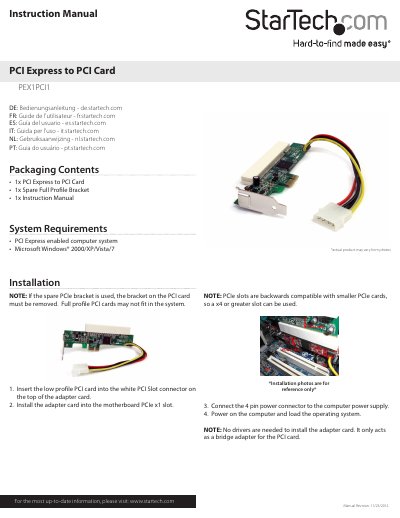
This document serves as the user manual for the Startech PEX1PCI PCI Express to PCI Card adapter. It details the installation process, including inserting the low profile PCI card into the adapter and installing the adapter into the motherboard's PCIe x1 slot. The guide also lists the packaging contents and notes that no drivers are required for operation.
| Bus Interface (Host) | PCI Express 1.0a |
|---|---|
| Bus Interface (Device) | PCI rev 2.2 |
| Chipset ID | Pericom - PI7C9X111SL |
| PCI Card Bus | 32-Bit, 33 MHz |
| Power Connector | 4-Pin LP4 Molex |
| Operating Temperature | 0 ~ 850C |
No drivers are needed to install the adapter card. It only acts as a bridge adapter for the PCI card.
The card supports Microsoft Windows 2000, XP, Vista, and 7.
The package includes the PCI Express to PCI Card, a spare full profile bracket, and the instruction manual.