
This is a quick-start guide that introduces the basic features and installation process of the USB 56K modem.
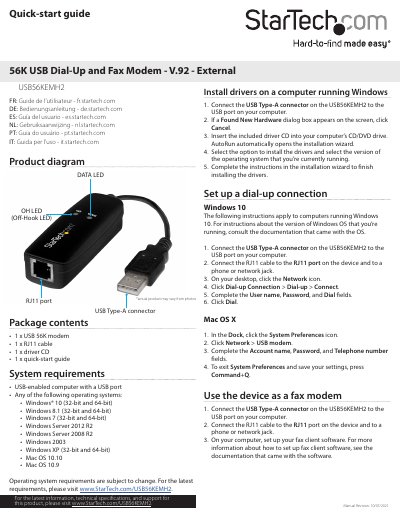
This quick-start guide provides instructions for the StarTech USB56KEMH2 USB 56K dial-up and fax modem. It details the package contents, including the modem, RJ11 cable, and driver CD, and lists the supported operating systems such as Windows 10, Windows 8.1, Windows 7, and Mac OS X. The document also includes a product diagram identifying the USB Type-A connector, RJ11 port, and LED indicators.
| Product Type | USB 56K Dial-Up and Fax Modem |
|---|---|
| Protocol | V.92 |
| Connector Type | USB Type-A |
| Warranty Period | Two years |
| Ringer Equivalence Number | 0.10 |
The modem supports Windows 10, Windows 8.1, Windows 7, Windows Server 2012 R2, Windows Server 2008 R2, Windows 2003, Windows XP, Mac OS 10.10, and Mac OS 10.9.
The package includes the USB 56K modem, an RJ11 cable, a driver CD, and a quick-start guide.
Insert the included driver CD into your computer's CD/DVD drive and follow the installation wizard instructions.