
The Quick Start Guide shows how to power on, set date/time, select language, record, playback, erase, and use FM radio on the Sony ICD-AX412F IC recorder.
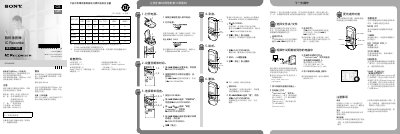
This Quick Start Guide provides step‑by‑step instructions for the basic functions of the Sony ICD‑AX412F IC recorder, including powering the device, setting the date and time, choosing the menu language, recording audio, playing back recordings, erasing files, and accessing FM radio.
It also lists the supplied accessories, safety precautions, battery requirements, and how to copy the full operating manual to a computer via USB. For detailed operation details, refer to the full PDF manual stored in the recorder’s internal memory or download it from Sony’s support site.
| Rated current consumption | 800 mA |
|---|---|
| User available capacity | 2 GB (≈1.80 GB) |
| Operating voltage | 3.0 V or 2.4 V DC |
| Battery type | Two LR03 (AAA) alkaline or two NH‑AAA rechargeable batteries |
Insert two batteries with the correct polarity and slide the POWER ON/OFF switch for more than one second.