
The Sony WH-1000XM4 user manual explains setup, Bluetooth pairing, noise‑cancelling features, voice‑assistant use and troubleshooting.
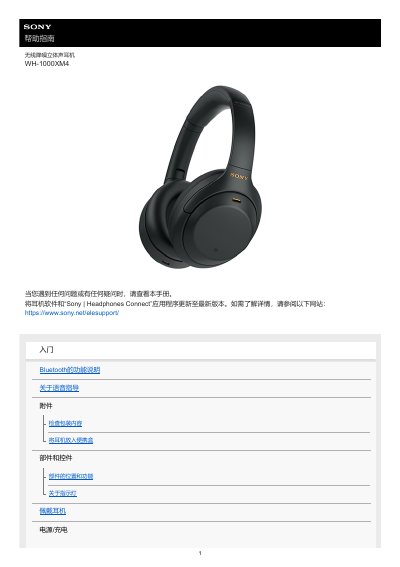
This guide provides step‑by‑step instructions for getting started with the Sony WH‑1000XM4 wireless noise‑cancelling headphones, including unpacking, charging, and basic operation. It also details how to pair the headphones with Android, iPhone, and computer devices via Bluetooth or the Sony | Headphones Connect app.
Later sections cover advanced features such as active noise cancellation, ambient sound modes, voice‑assistant integration (Google Assistant, Amazon Alexa, Siri, Tencent Cloud Xiaowei), and how to reset or initialize the headphones if problems arise. This manual is written in Chinese.
Press the power button and the CUSTOM button at the same time while the headphones are charging; the headphones will reset.
Open the Sony | Headphones Connect app and follow the on‑screen steps, or use NFC to tap the phone and the headphones to pair.
When the custom button is assigned to Google Assistant, the headphones cannot operate Amazon Alexa or Tencent Cloud Xiaowei functions.