
The Sony PCK-LM15 Screen Protect Sheet User Manual provides application steps, safety warnings, dimensions, and a list of included items.
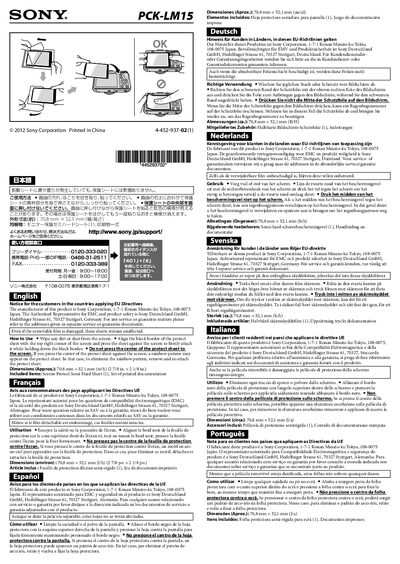
This manual explains how to install the semi‑hard screen protect sheet that comes with the Sony PCK‑LM15. It includes cleaning instructions, alignment tips, and warnings about pressing the center of the sheet, which can cause a rainbow pattern.
The sheet measures 70.8 mm × 52.1 mm and is supplied with one protective sheet and printed documentation. The document also contains EU directive notices and contact information for Sony Germany service.
| Dimensions | 70.8 mm x 52.1 mm |
|---|---|
| Included items | Screen Protect Semi Hard Sheet (1), Set of printed documentation |
Wipe any dirt or dust from the screen, align the black border with the top‑right corner, and press the sheet while holding the border, avoiding pressure on the center.
Remove the sheet and re‑attach it; the rainbow pattern will disappear.
The sheet measures 70.8 mm by 52.1 mm.