
This manual explains how to power on, set up, charge, use watch faces, access functions, install a SIM card, and update firmware for the smart watch.
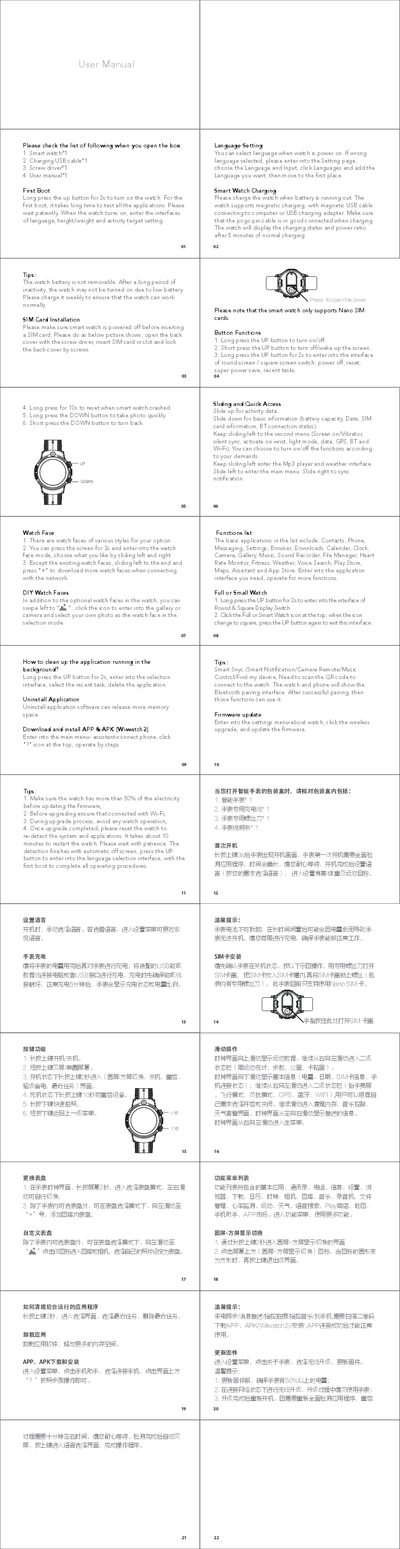
The guide walks you through the first‑boot process, language selection, and personal data setup such as height, weight and activity goals. It also details how to charge the device with the magnetic USB cable and how to manage the battery.
Further sections cover watch face customization, basic applications (contacts, phone, messaging, music, heart‑rate monitor, etc.), button functions, SIM‑card installation, firmware updates, and troubleshooting tips for crashes and low battery conditions. This manual is written in Chinese.
| Battery | Non‑removable |
|---|---|
| Charging method | Magnetic USB cable |
Long press the UP button for 3 seconds to turn on the watch.