
The FOCUS short‑throw projector user manual provides safety warnings, setup steps, connector details, and operation instructions.
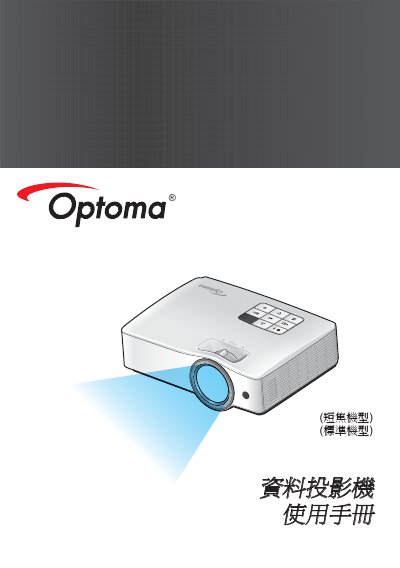
This manual covers safety information, product features, and a detailed overview of the FOCUS short‑throw projector. It explains how to unpack the unit, identify connectors, and use the control panel and remote.
Installation, connection, and usage sections guide users through connecting to computers, networks, and external devices, while adjustment chapters describe focus, image size, and advanced settings such as 3D projection and RS‑232 control. This manual is written in Chinese.
| Native resolution (XGA) | 1024 × 768 |
|---|---|
| Native resolution (WXGA) | 1280 × 800 |
| HD support | 1080p |
| RS‑232 control | Available |
| 3D projection | Supported |
| Light source | Mercury‑free mixed light source |
Turn off the power and unplug the AC cord, then wipe the housing with a soft dry cloth lightly dampened with mild cleaner.