
User manual for PolyTemp software that remotely controls PolyScience temperature controllers.
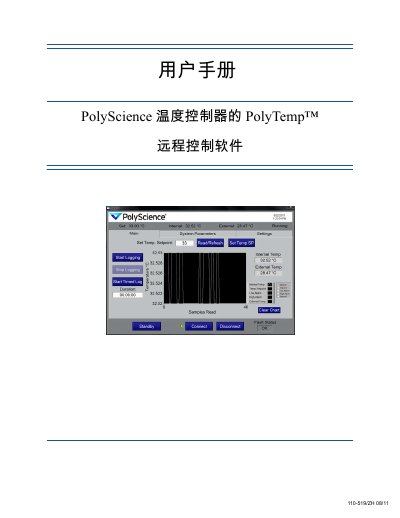
The PolyTemp™ remote control software lets you monitor and adjust a PolyScience temperature controller from a PC. The manual explains how to connect via serial, USB, RS‑485 or Ethernet, navigate the main screen, change system parameters, and record temperature data.
It also covers chart options, copying and sending setpoints, handling error messages, and exporting data to *.tdms files for analysis. This manual is written in Chinese.
| Data logging sample period range | 1 s to 161 s |
|---|---|
| Temperature units | °C or °F |
| Alarm limit constraints | High/Low alarm values limited by controller range |
Recorded data are saved as *.tdms files, which can be opened with the TDMS viewer Excel add‑in provided on the controller’s resource CD.