
The manual provides operation instructions, technical specifications, settings, error handling and accessory information for the Testo 535 CO₂ meter.
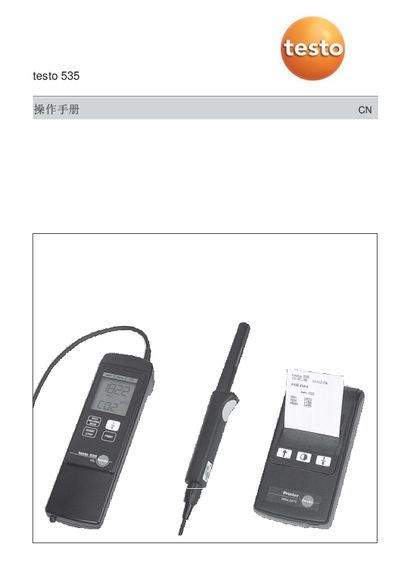
The Testo 535 is a handheld CO₂ measurement instrument. This user manual explains how to power on the device, run the self‑test, handle the probe, and use the measurement functions such as start/stop, averaging and pressure compensation.
It also lists the technical specifications, battery replacement, printing of readings, error messages and the supplied accessories, helping users operate and maintain the instrument safely and accurately. This manual is written in Chinese.
| Sensor type | 2‑channel infrared absorption |
|---|---|
| Measurement range | 0 ~ 9 999 ppm CO₂ (0 ~ 0.999 vol.% CO₂) |
| Accuracy | ± (75 ppm + 3 % reading) up to 5 000 ppm; ± (150 ppm + 5 % reading) 5 001‑9 999 ppm |
| Resolution | 1 ppm or 0.001 vol.% CO₂ |
| Operating temperature | 0 ~ +50 °C |
| Storage temperature | -20 ~ +50 °C |
| Battery life | >4 h (9 V block, Al‑Mn) |
| Display | LCD, 11 mm digit height |
| Housing material | ABS |
| Dimensions | 190 × 57 × 42 mm |
| Weight | ≈ 300 g |
| Humidity range | 0 ~ 99 % RH (non‑condensing) |
| Temperature coefficient | ± (1 ppm + 0.4 % reading) / °C |
After turning on, the instrument runs a self‑test and heats the sensor for about 30 seconds before operation.
It means the battery power will be insufficient for less than one hour and the instrument will automatically shut off.
Press the print key to print the reading together with date and time stamps.